- New: Upload to itch.io
- "Export & upload" exports your presets and pushes them with butler – web, Windows, Linux, macOS and Android, each into its own channel
- Downloads butler for you if needed, log in once in the browser
- Paste your page link or user/game, project version is sent along
- Shows Godot's reason when an export fails (missing templates etc.)
- New: Test in the browser
- "Export & open" exports the web preset in the background, serves it locally and opens the browser
- Correct headers for thread builds, optional CrazyGames test ads (?useLocalSdk=true)
- New: Pause on tab switch
- Game pauses and mutes when the tab is hidden (pause and mute / mute / off)
- Works together with ads and the CrazyGames sound toggle
- New: CrazyGames integration (SDK v3)
- Midgame and rewarded ads – game is paused and muted automatically
- Gameplay start/stop, loading and happytime events
- Adblock detection
- Respects the CrazyGames sound toggle
- Simulated test ads in the editor and on desktop
- New project settings under Greenlight → Portal (auto / crazygames / none)
- Demo scene with buttons for every ad type
- New: Logo in the dock
- Fixed
- Local test server: requests to sibling folders (e.g. build/web2) are refused now
- The WebToolkit autoload repairs itself if Godot's saved file id for it became invalid (e.g. after replacing the addon folder by hand)
- Greenlight stays MIT licensed and free.
About the project
I make small games with Godot and publish them on Itch.io and other web portals. The web export was always the part that ate my time: threads switched on by accident, a wrong file name, crackling audio, no sound until you click, or the game getting cut off on the portal. Finding the right setting for each of these in the editor is a little adventure of its own.
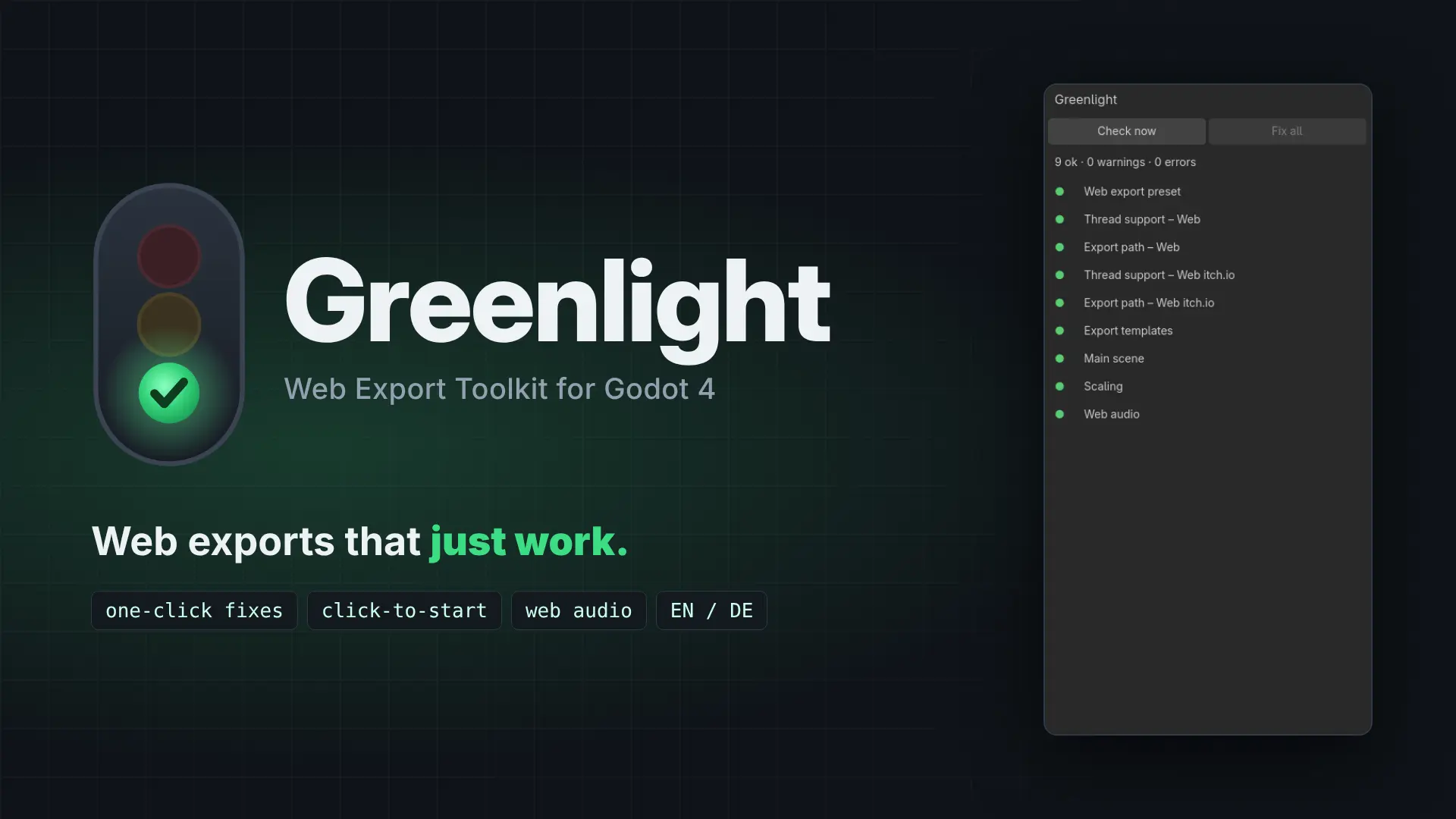
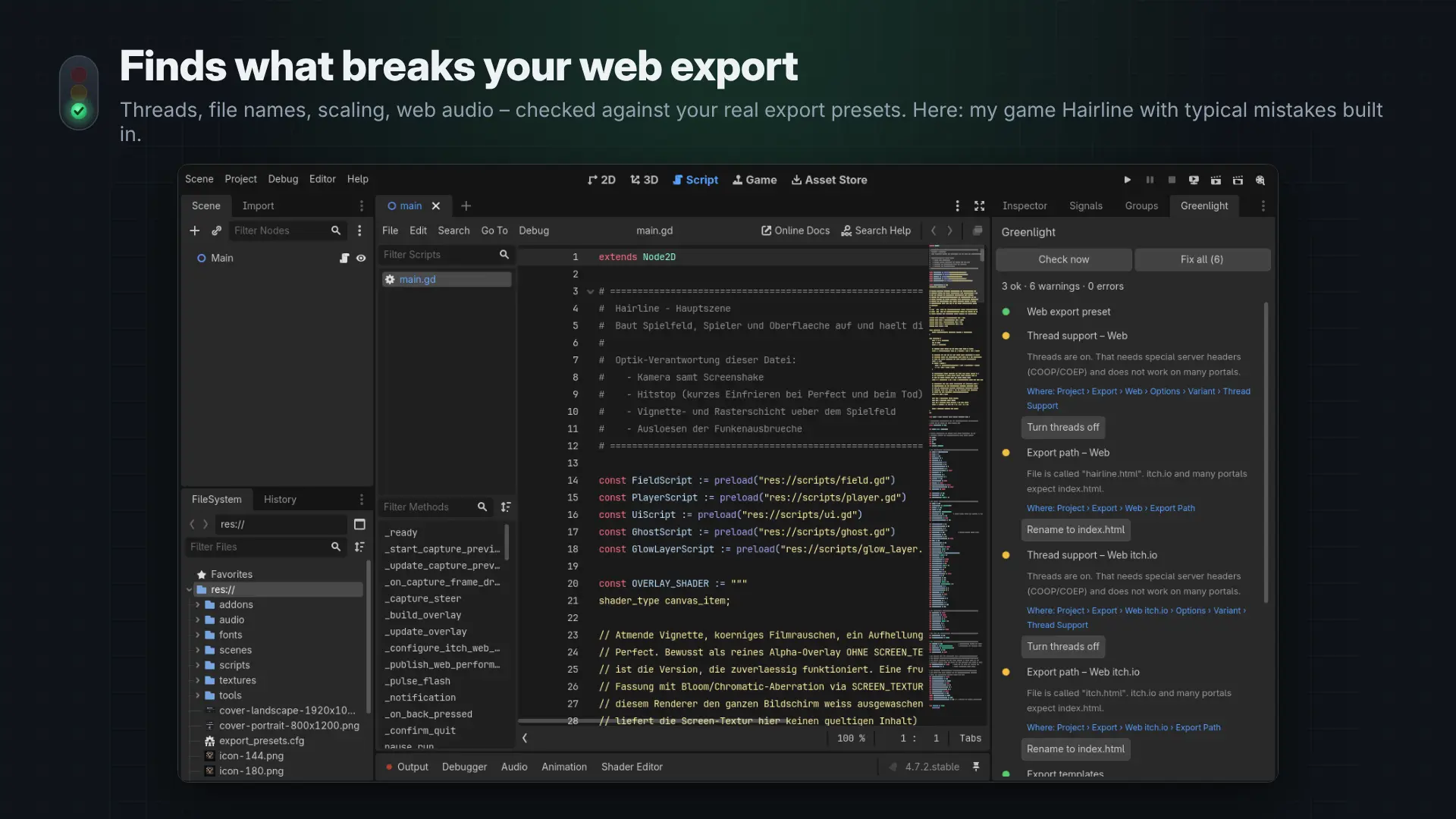
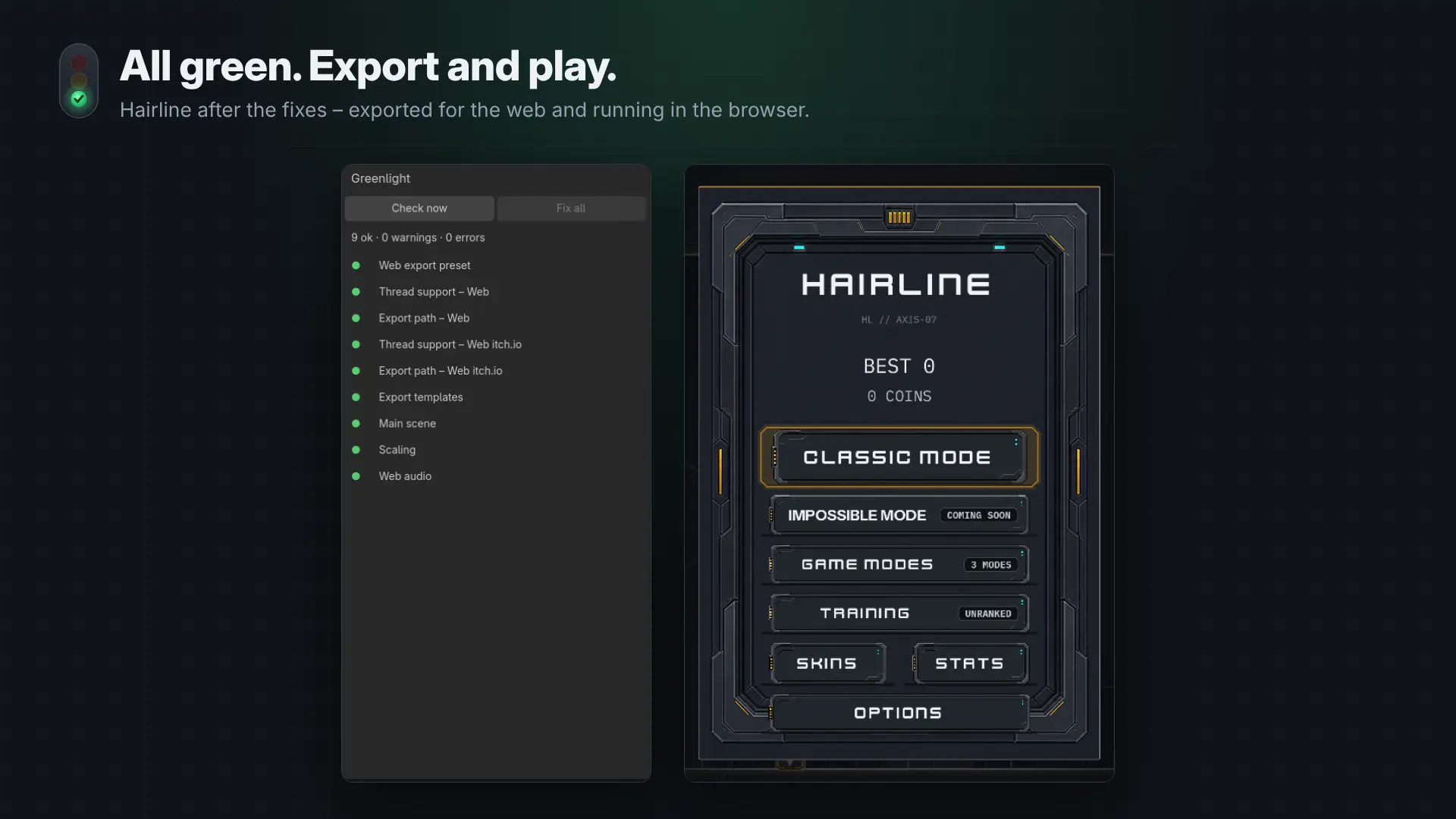
Greenlight checks your project and your real export presets, shows a green/yellow/red list in its own dock, and fixes most problems with one click.
What it checks (and fixes)
- Web export preset exists – creates one if missing
- Thread support is off – turns threads off (most portals don't send the COOP/COEP headers threads need)
- Export file is called index.html – renames it
- Web export templates are installed
- Main scene is set – uses the scene you have open
- Stretch mode is on – sets canvas_items / expand
- Web audio – latency, "Sample" playback and browser mix rate back to Godot's web defaults
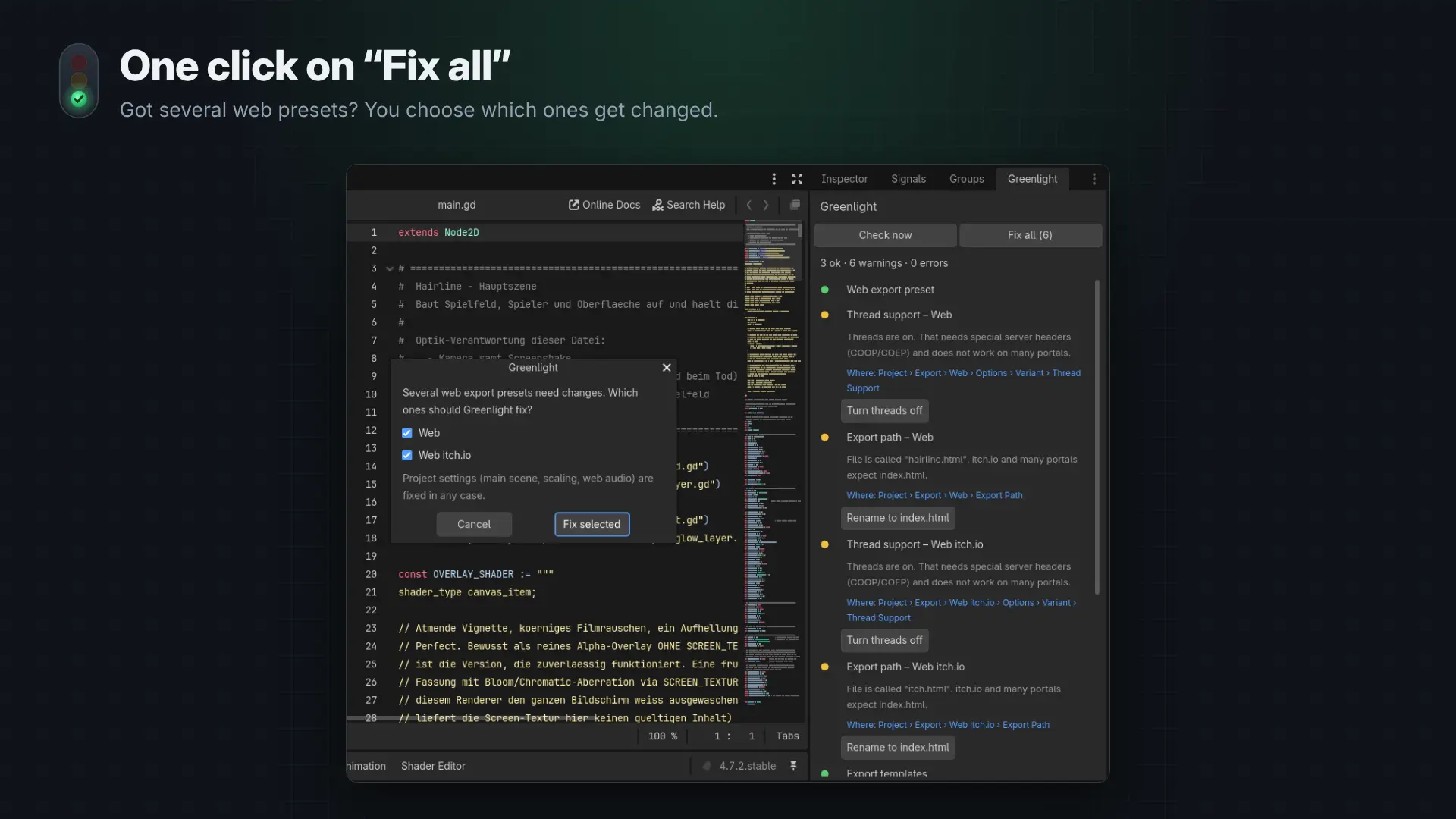
Fix all does everything in the right order. If your project has more than one web preset, every preset gets its own rows, and Fix all asks which presets it should change. With only one preset it just fixes it.
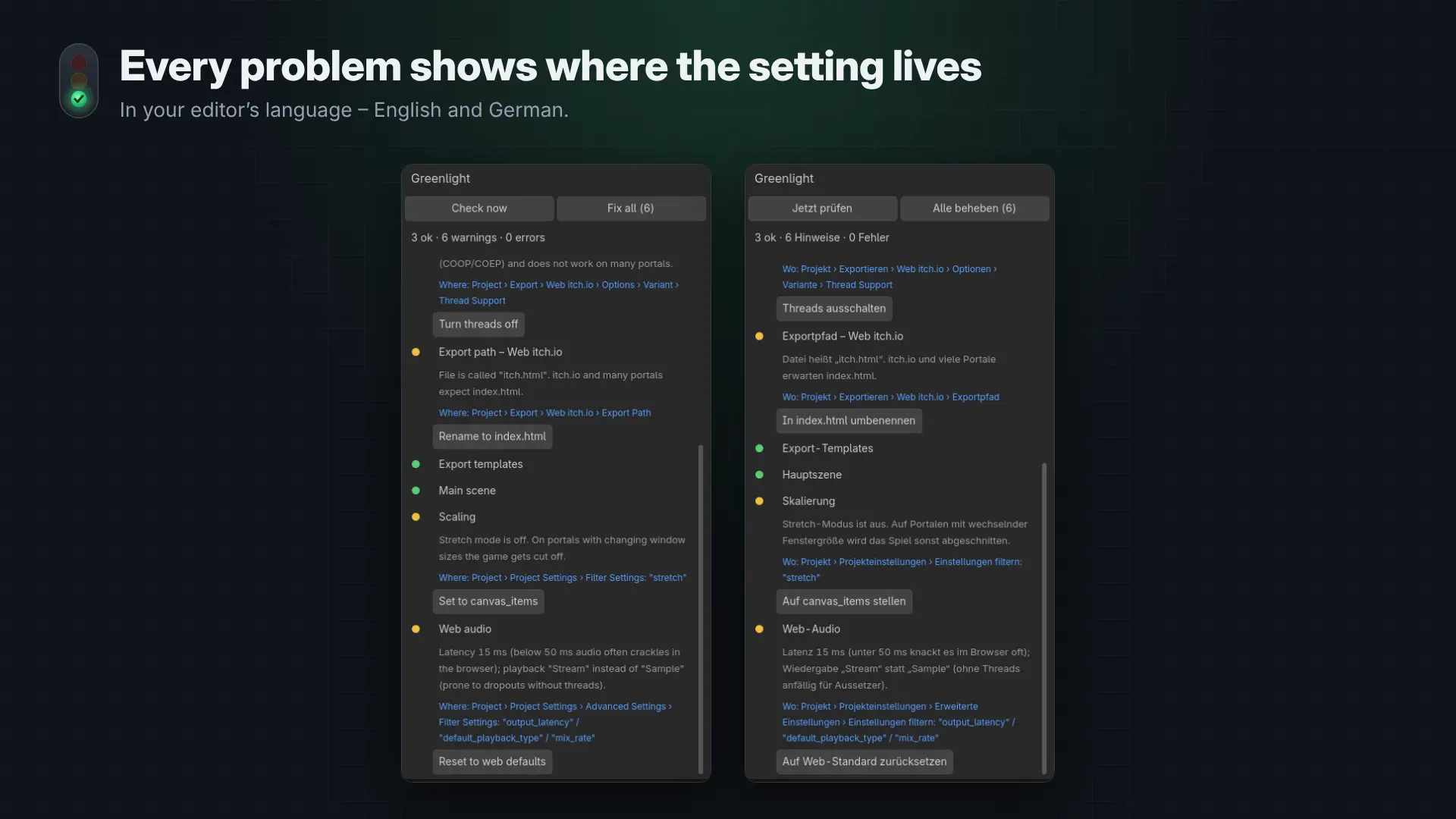
Every problem shows a Where: path to the setting, so you can also change it yourself – in your editor's language.
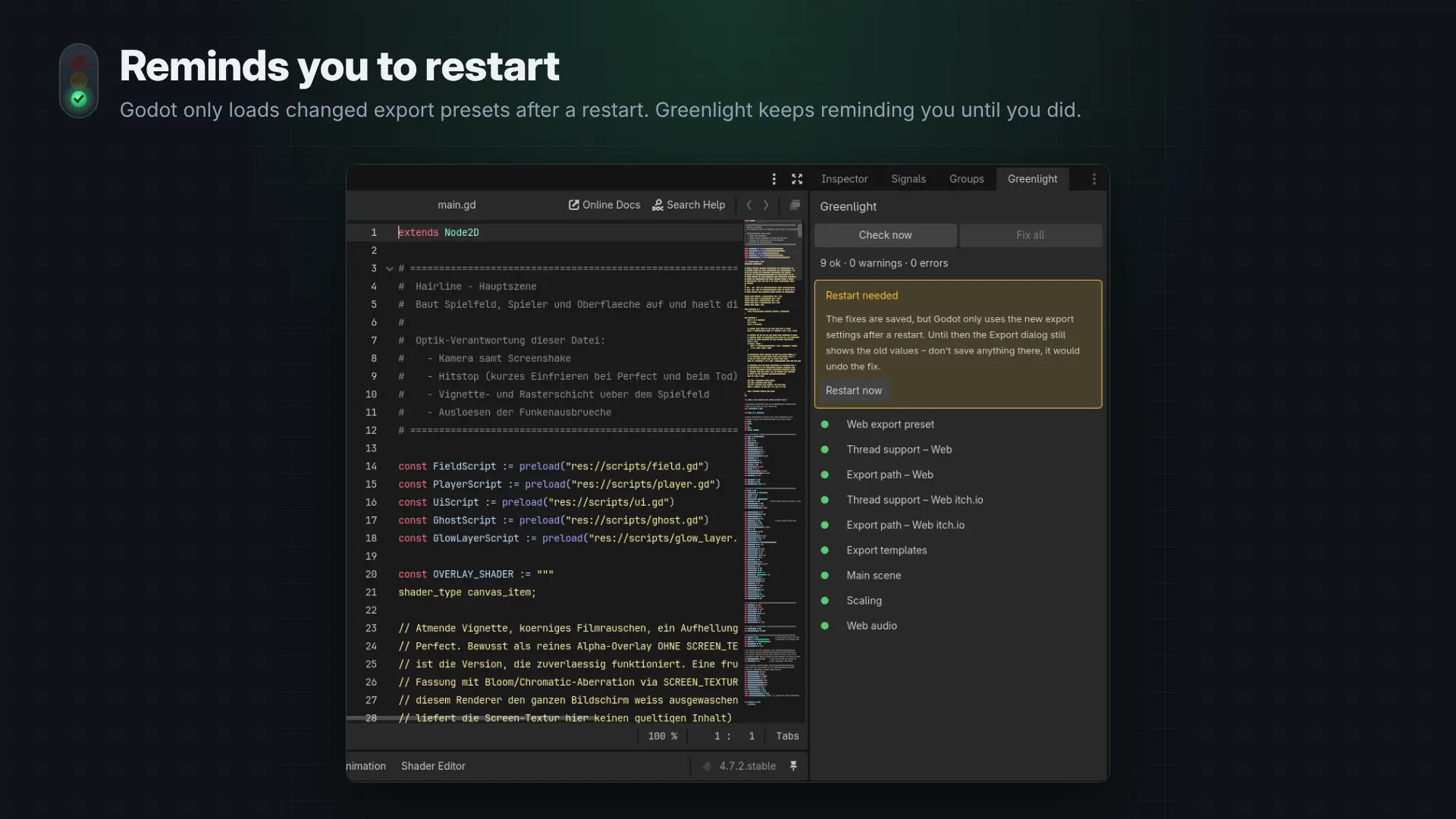
Godot only loads changed export presets after a restart. Greenlight asks you to restart and keeps a "Restart needed" note in the dock until you actually did.
Click to start
Browsers don't play audio before the player has clicked something. Greenlight adds a WebToolkit autoload:
func _ready() -> void:
await WebToolkit.wait_for_start()
$Music.play()
In the browser this shows a simple start screen ("Click to start" in the player's language). In the editor it just continues.
Details
- Godot 4.5, 4.6 and 4.7 (tested on all three)
- English and German
- Only touches the lines it fixes in export_presets.cfg – everything else in your presets stays as it is
- Pure GDScript, no dependencies
Coming next (work in progress)
Greenlight stays completely free. The next update is currently in development:
- CrazyGames integration – midgame and rewarded ads with one line of code. Your game is paused and muted automatically during ads, the CrazyGames sound toggle is respected, and gameplay events and adblock detection are included.
- Test in the browser with one click – Greenlight exports your web preset, starts a local server and opens the game, optionally with CrazyGames test ads.
- Pause on tab switch – the game pauses and mutes when the player switches tabs, and continues when they come back.
Further ideas on the list: a "jump to setting" button, more web portals, a build size check and a performance check for stutter and low FPS in the browser.
Found a bug or missing something? Write to gdplugin@impact-cores.de.
> PATCH NOTES
Changelog
Show older versions
- Greenlight now tells you when there is a new version.
- Checks a small version.json on GitHub once a day (plain file download, nothing about you or your project is sent)
- Shows a small box in the dock with a link to the update and a "Skip this version" button
- Can be turned off in Project Settings → Greenlight → Updates
- Source code is now on GitHub: https://github.com/impactcores/greenlight